Transform Your Child's Photos into Magical Christmas Memories
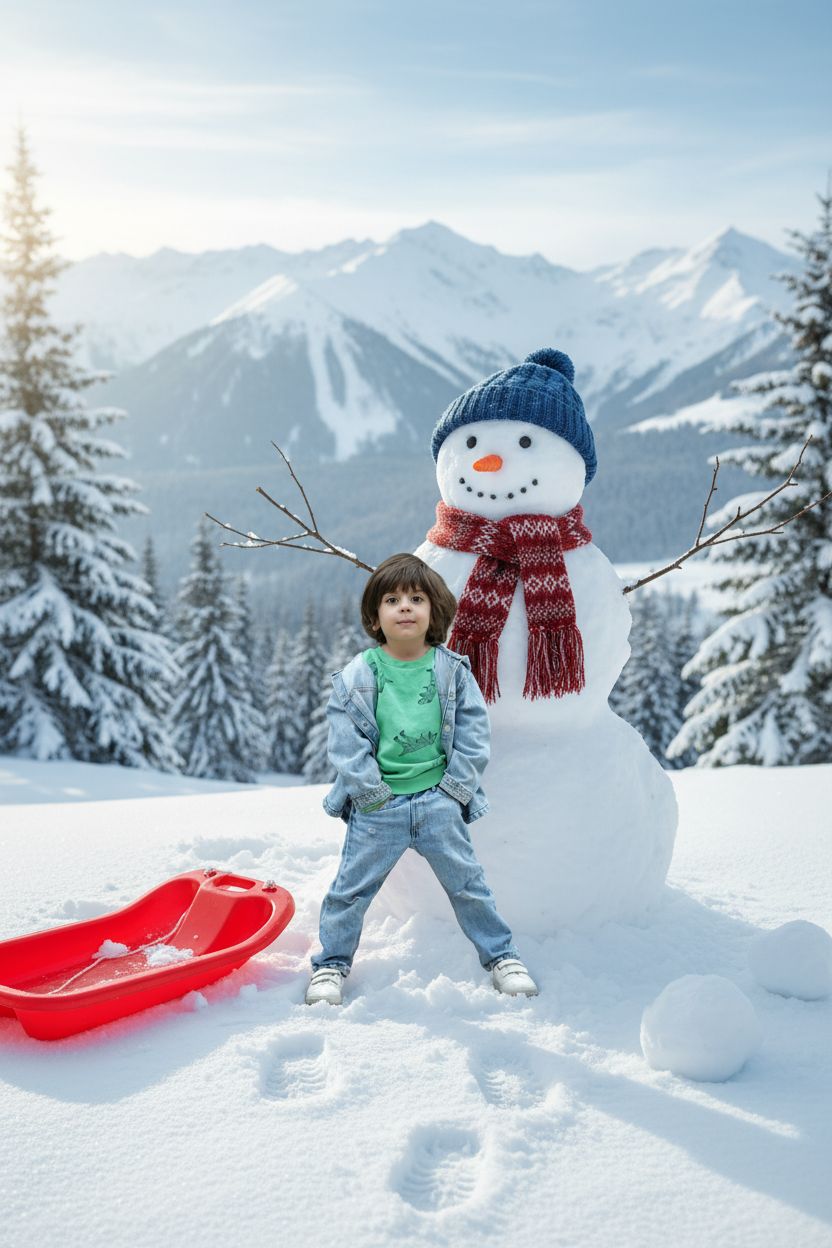
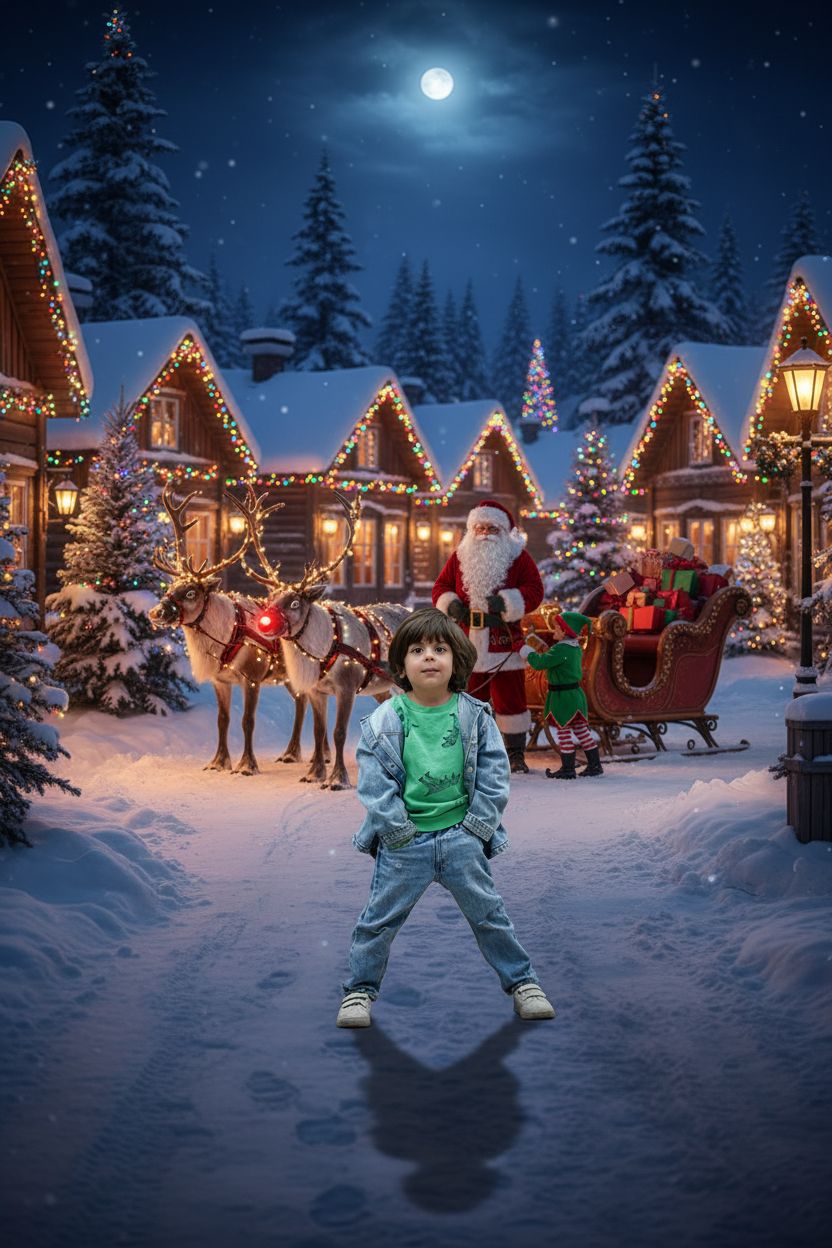
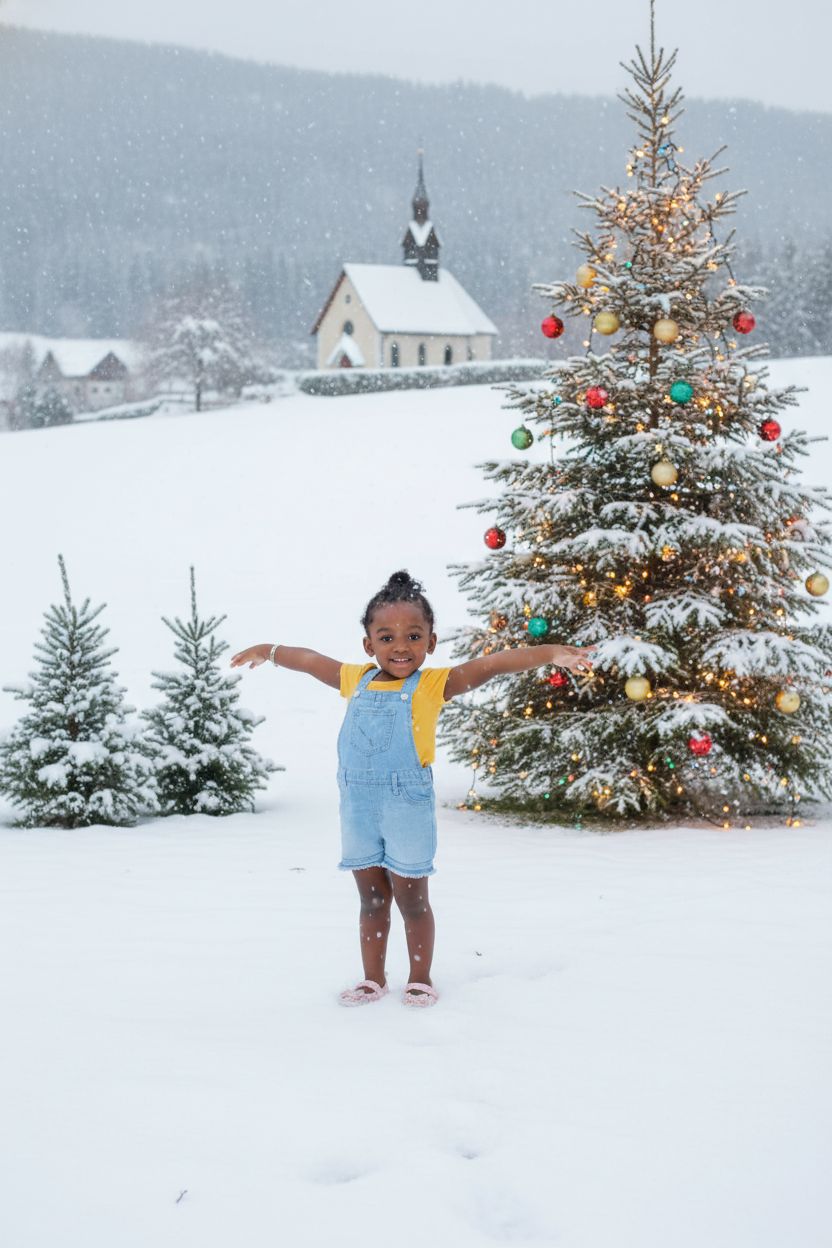
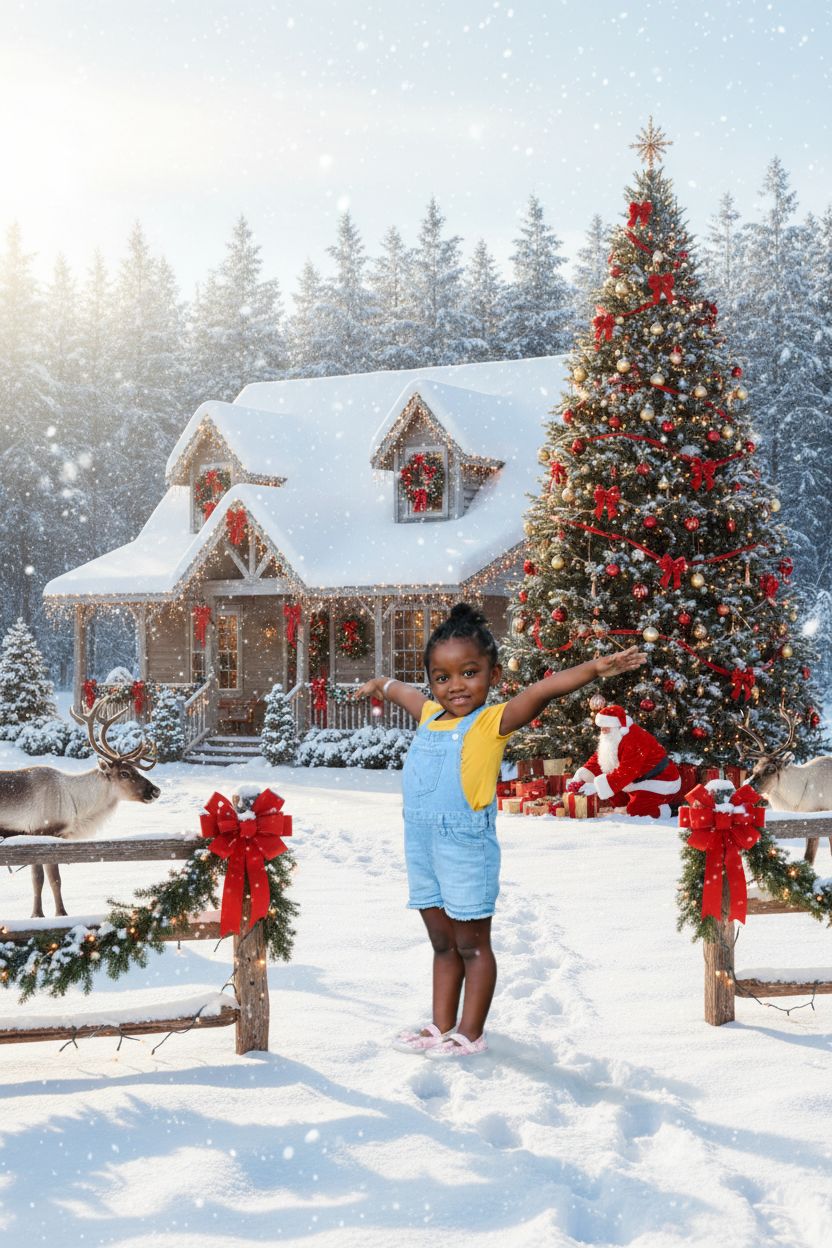
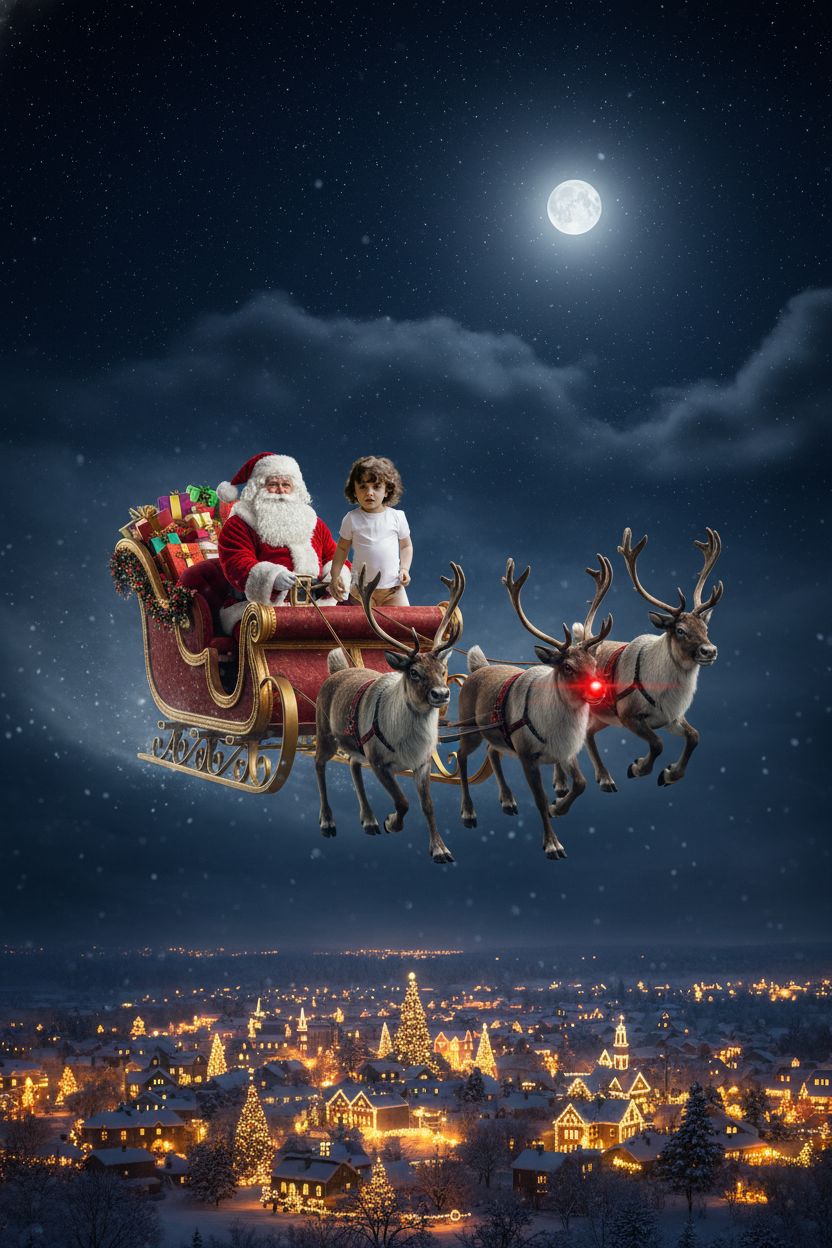
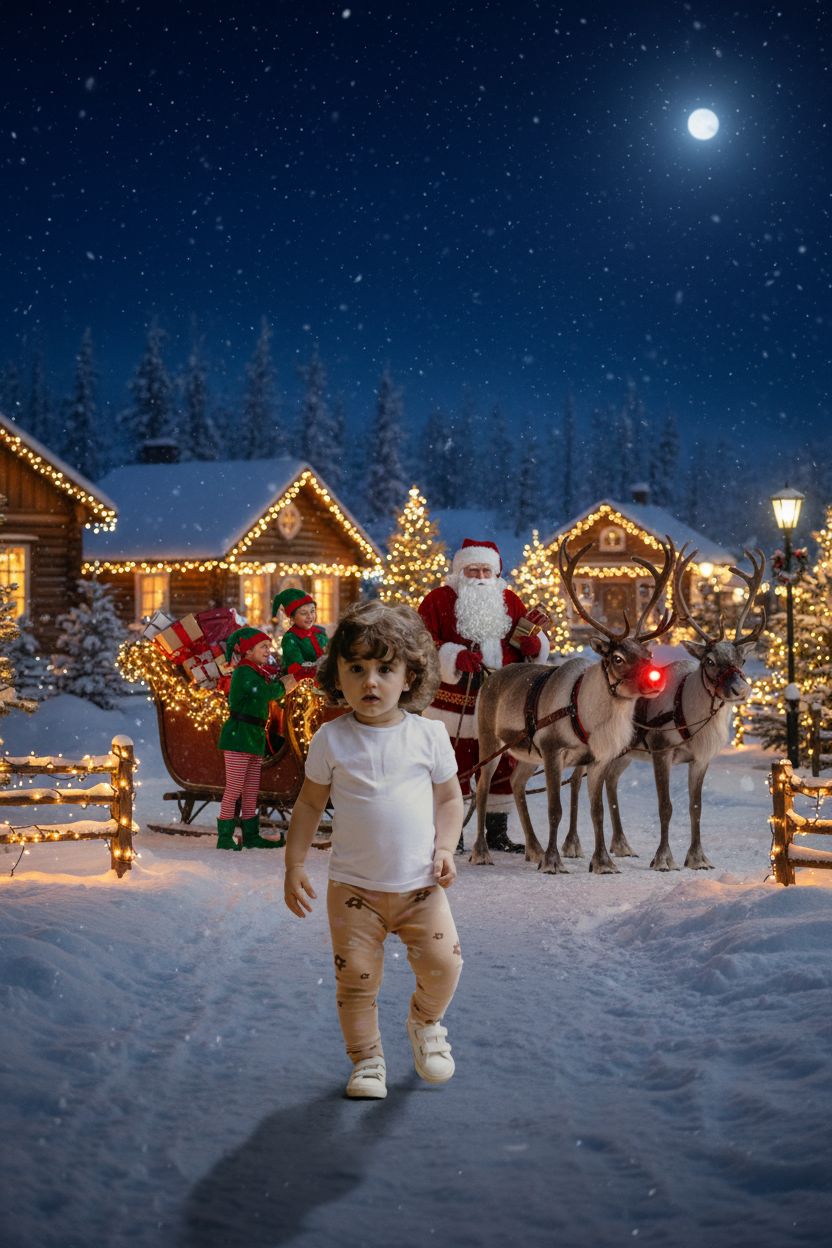
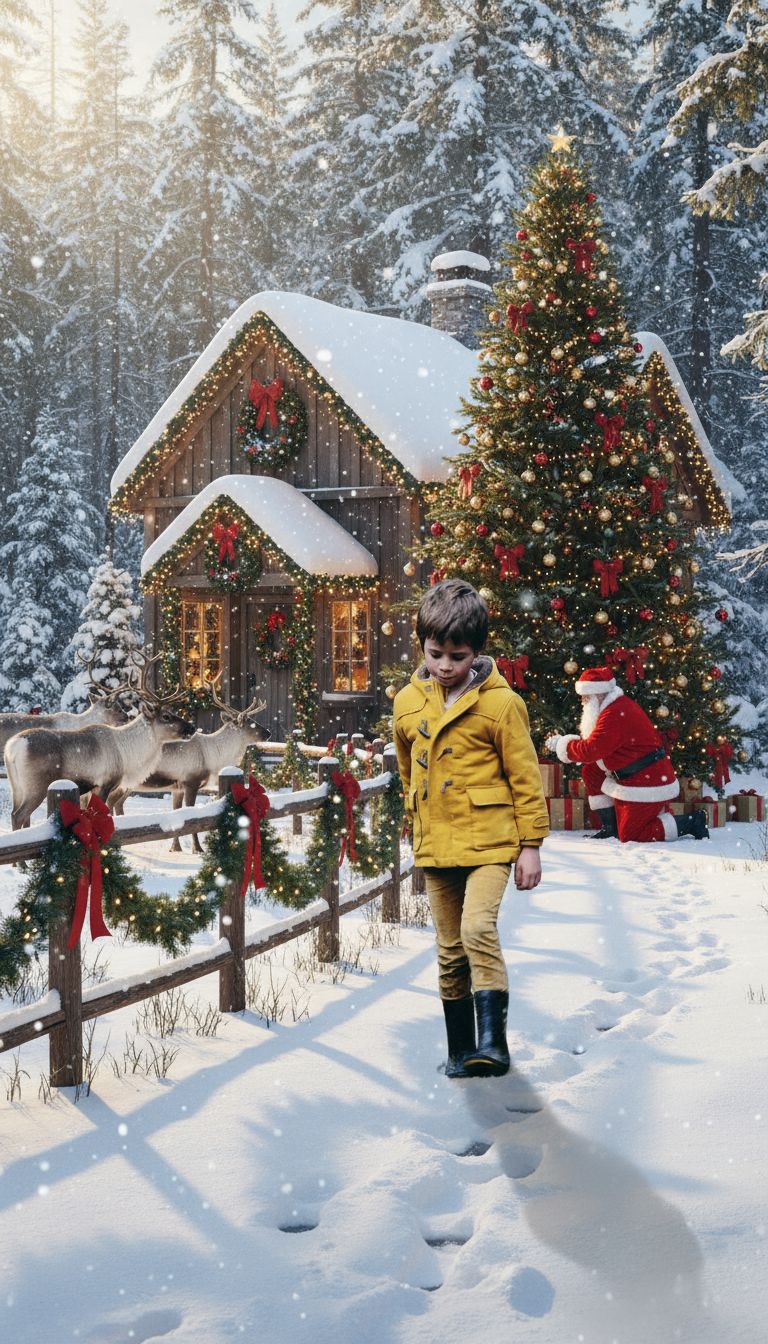
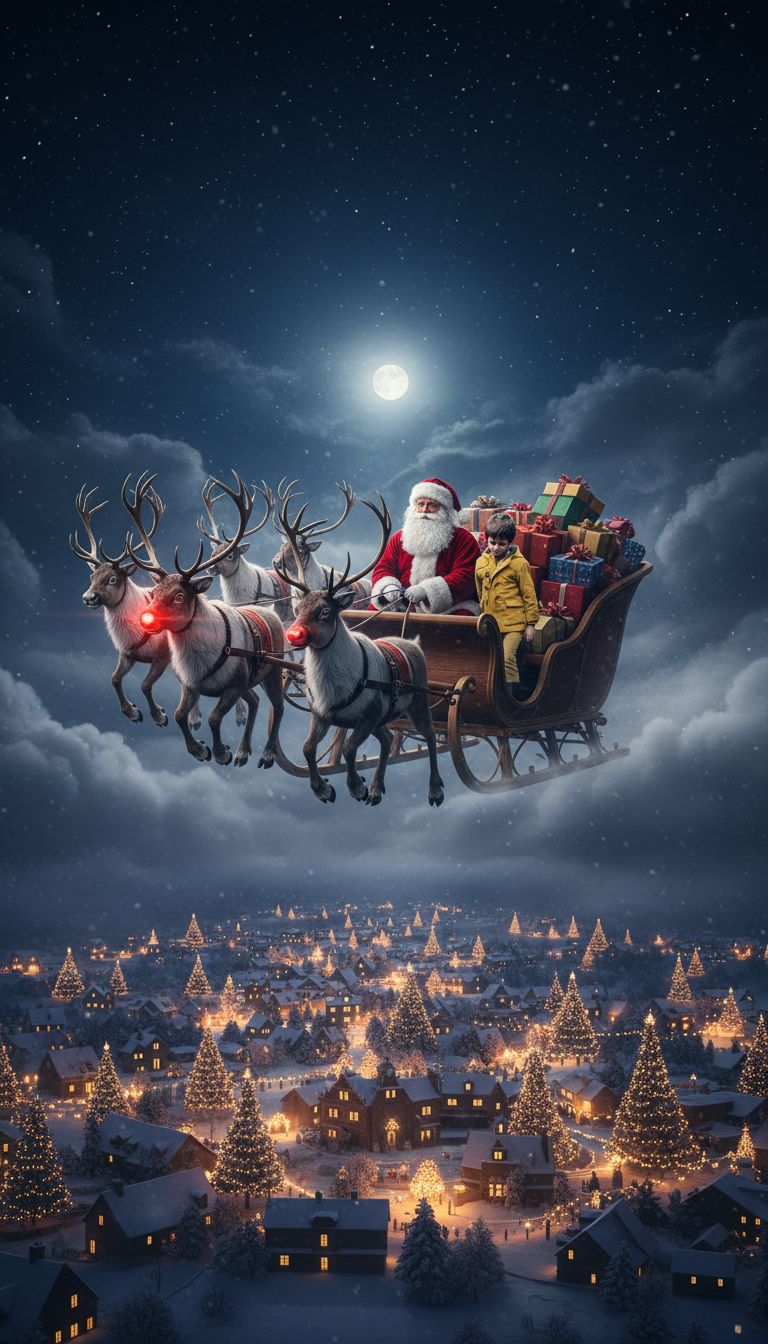
Upload a photo of your child and watch as our AI transforms it into a stunning Christmas scene. Turn everyday moments into magical holiday memories in seconds.
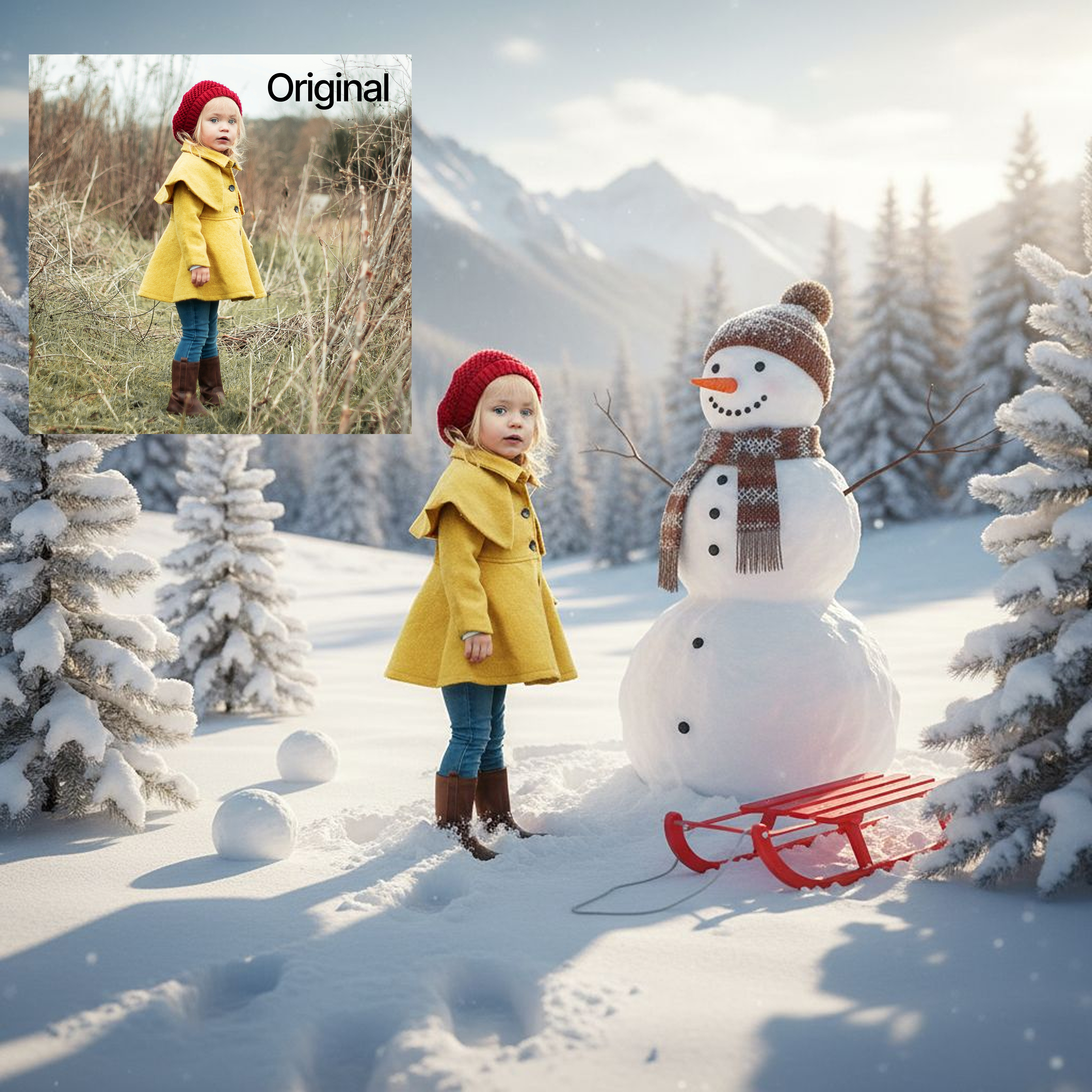
Upload a photo of your child and watch as our AI transforms it into a stunning Christmas scene. Turn everyday moments into magical holiday memories in seconds.

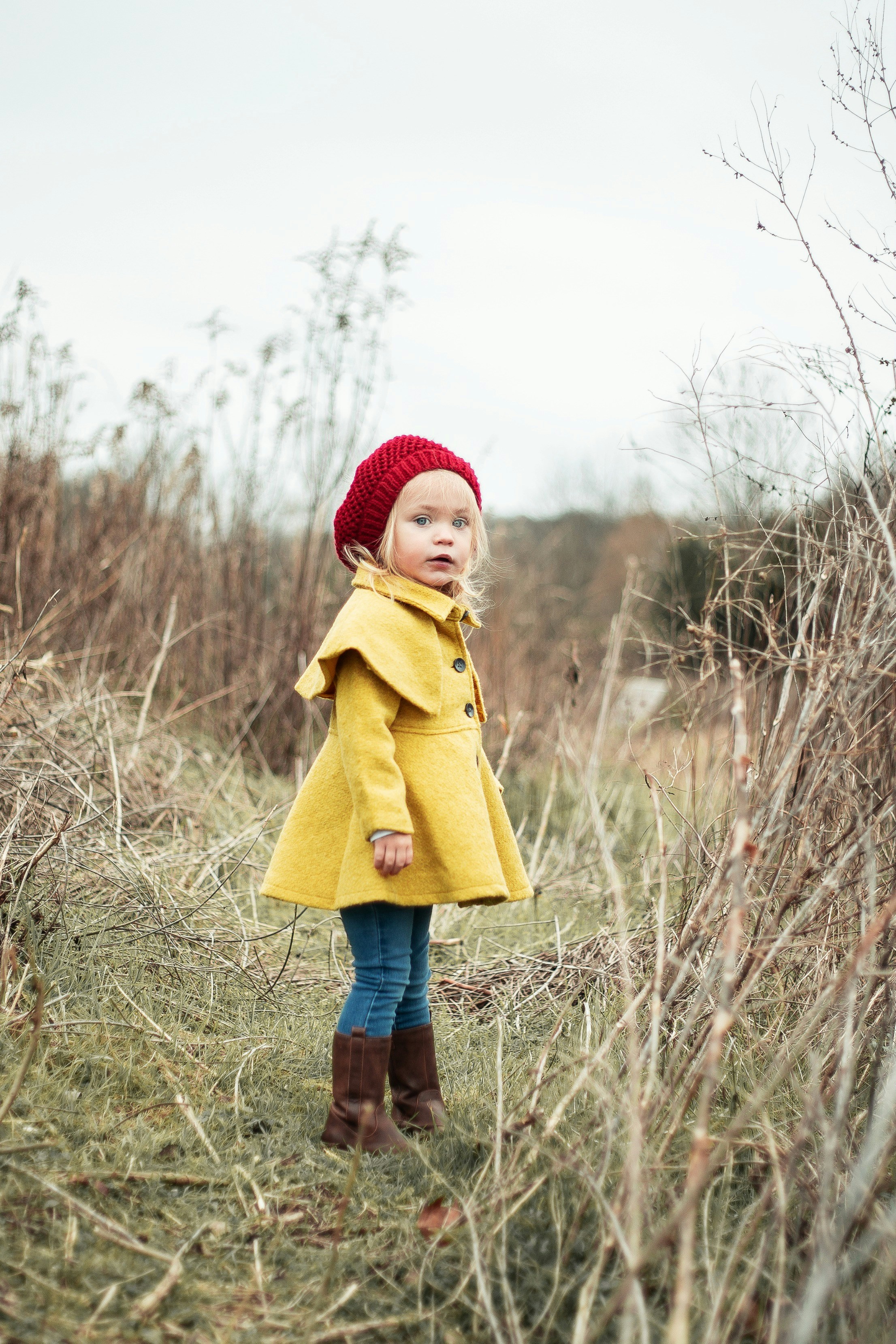
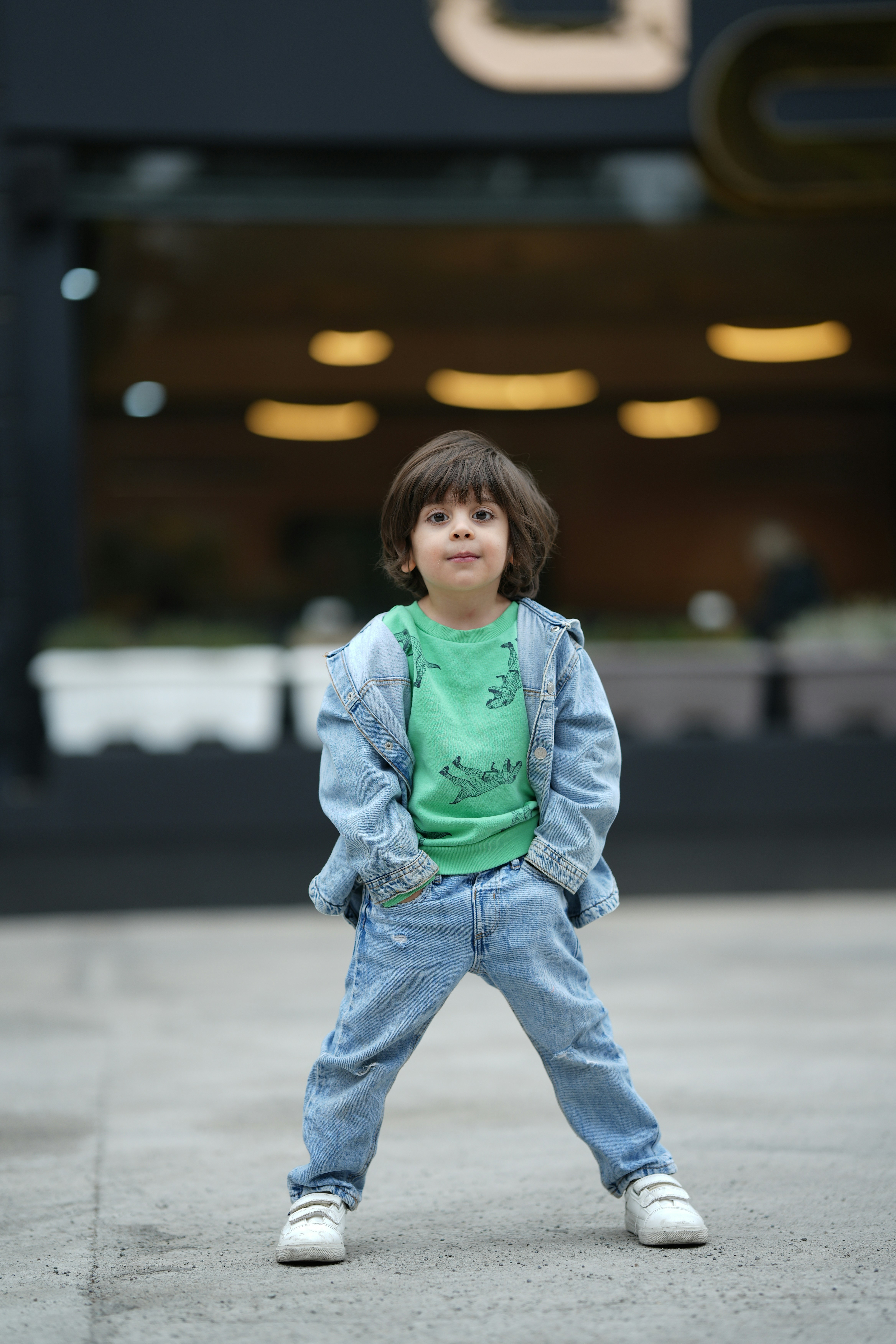
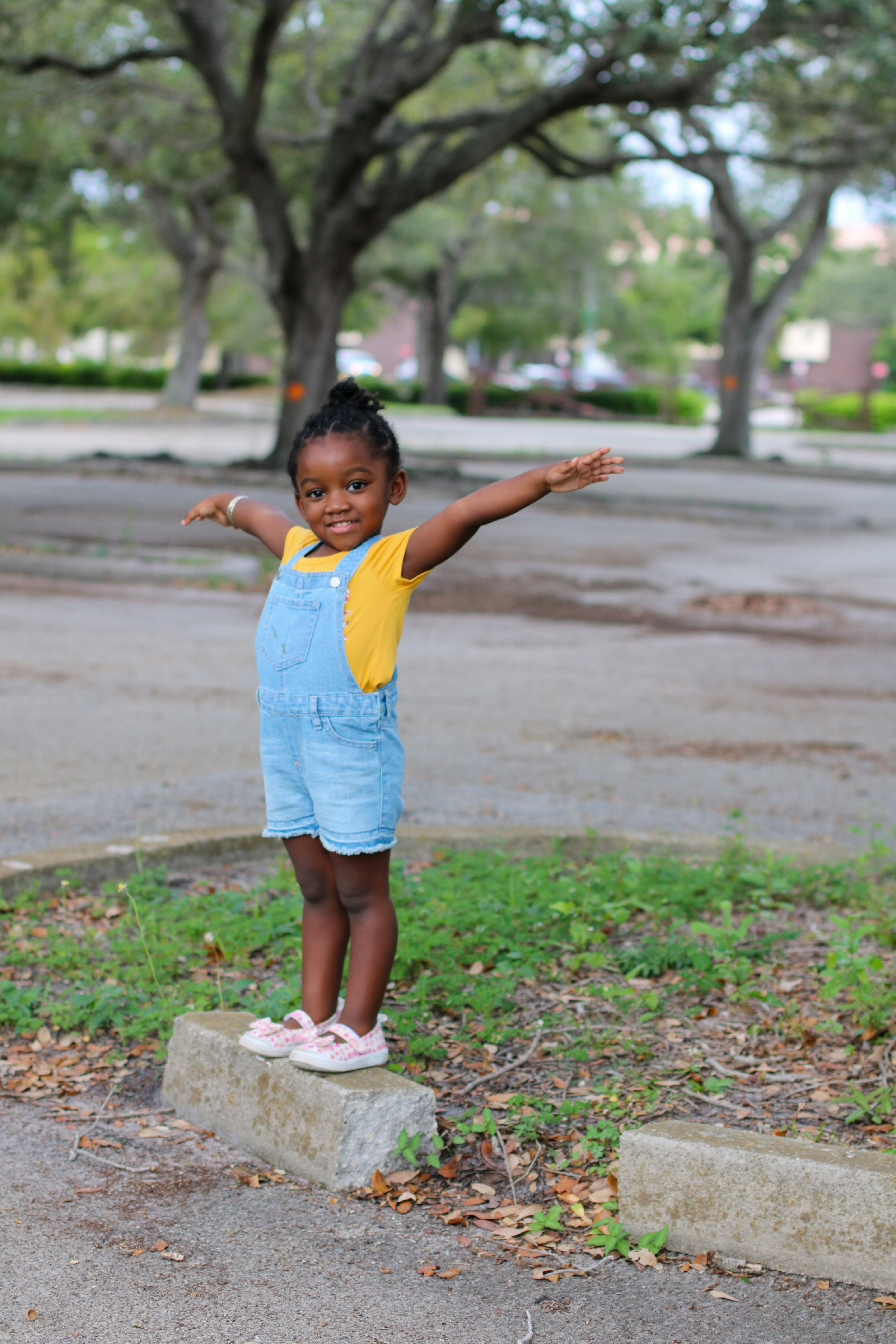
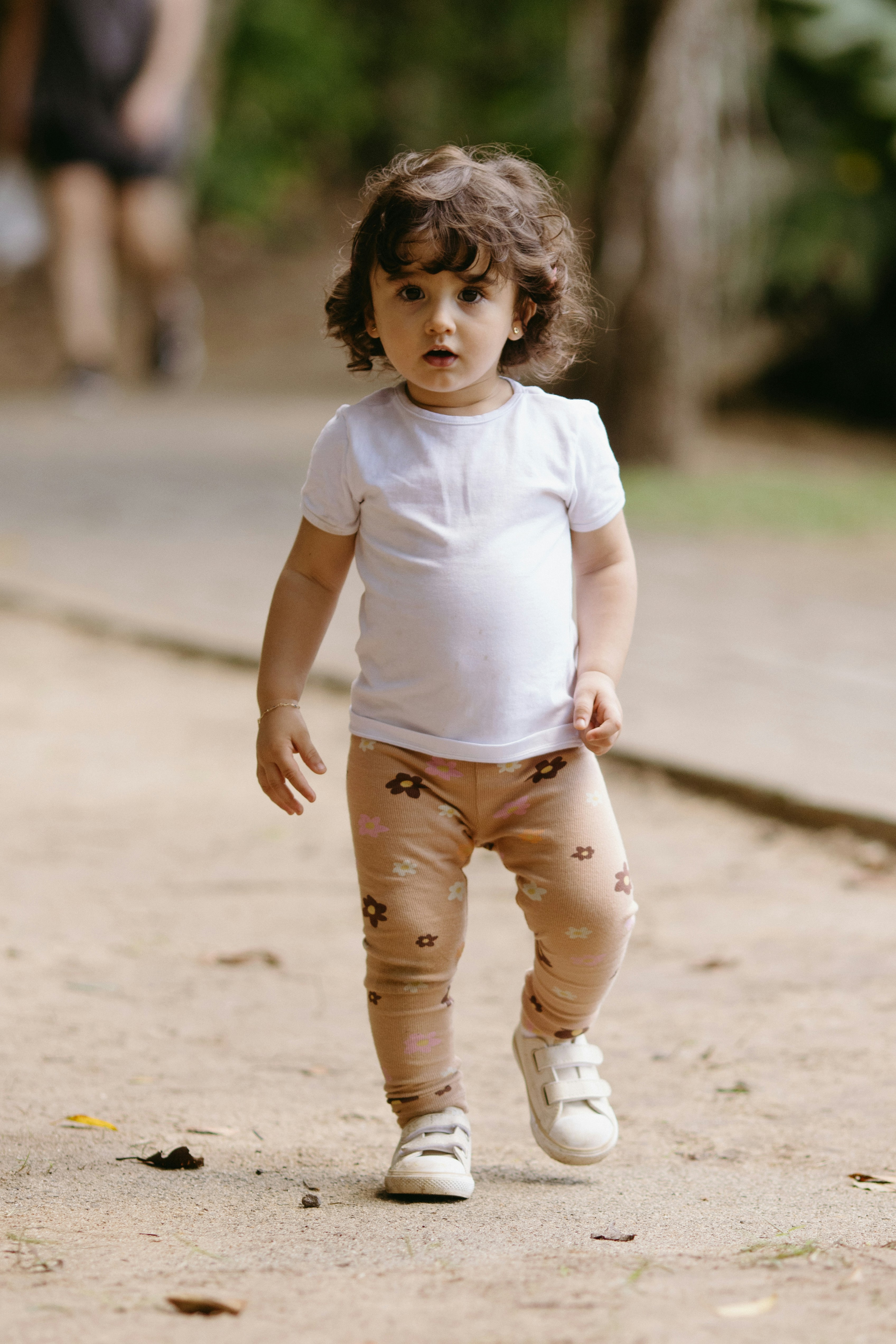
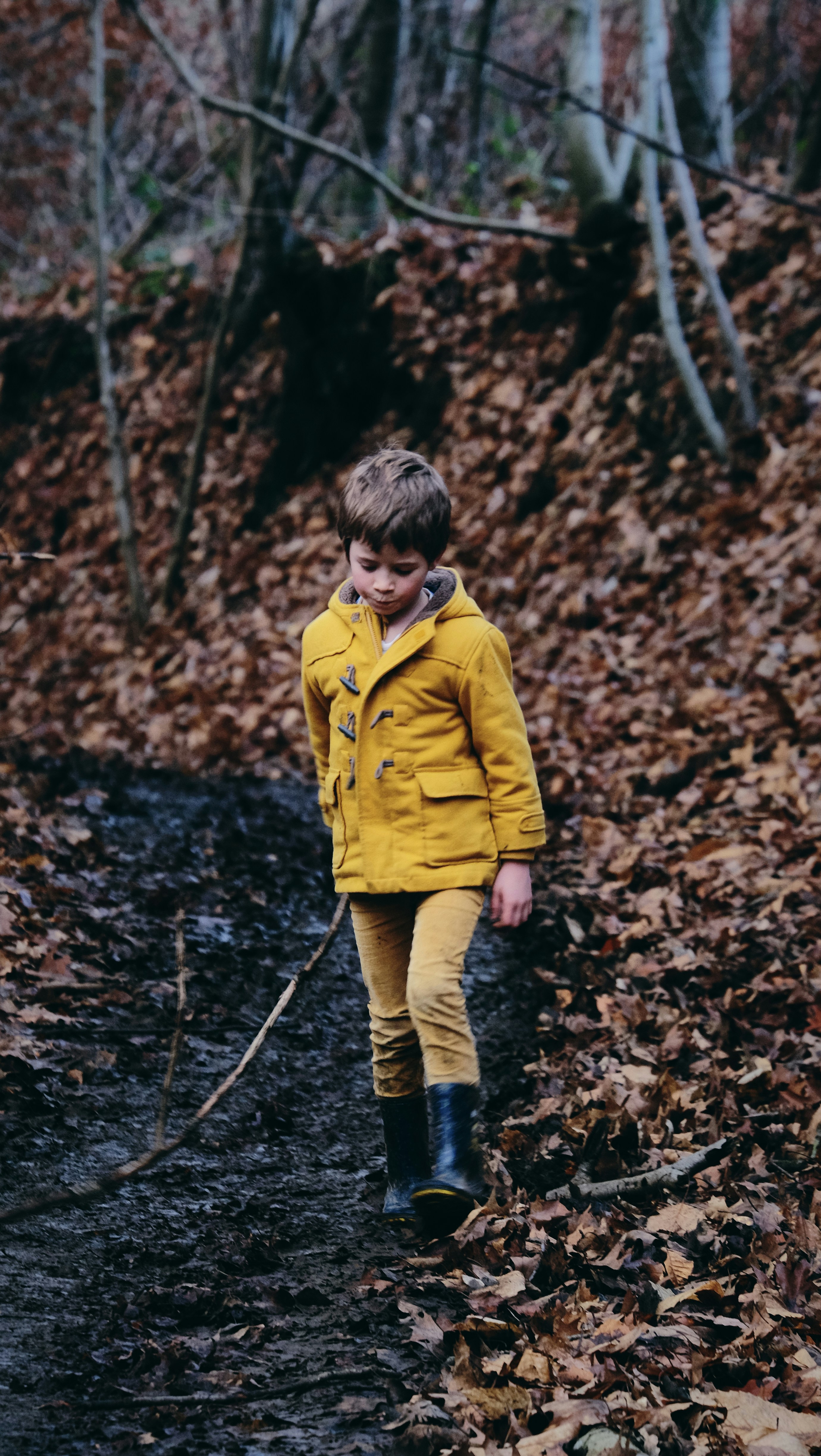
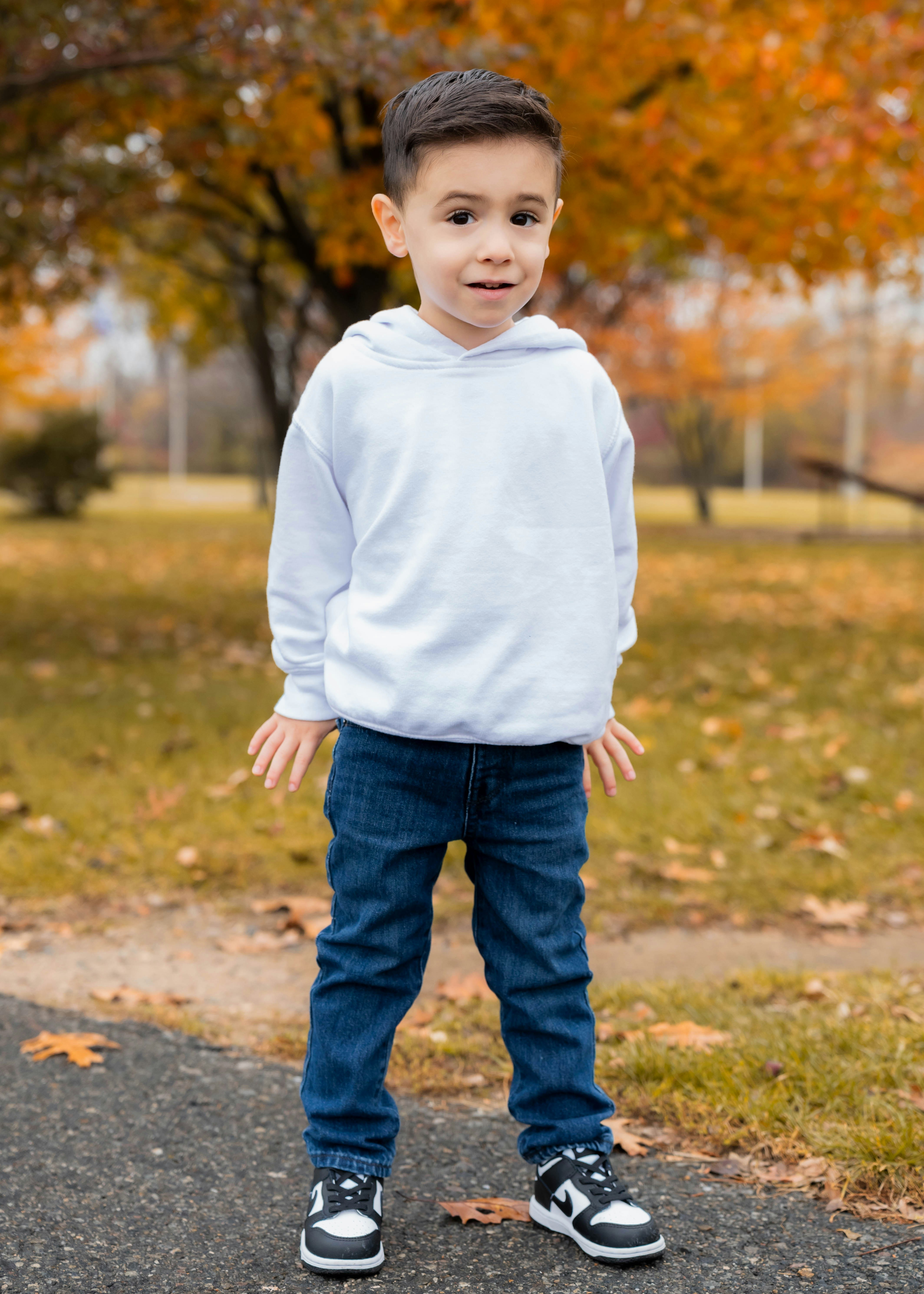
Upload a straight-on photo of the child

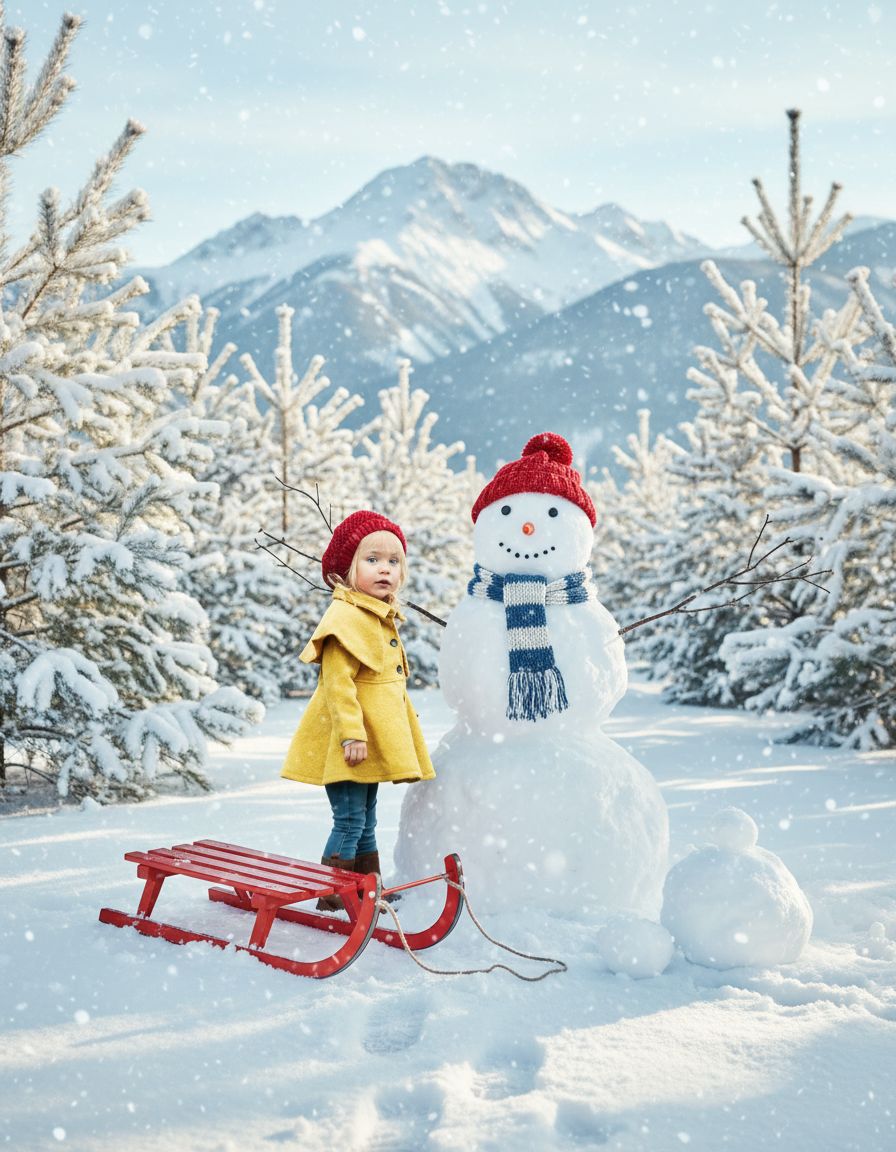
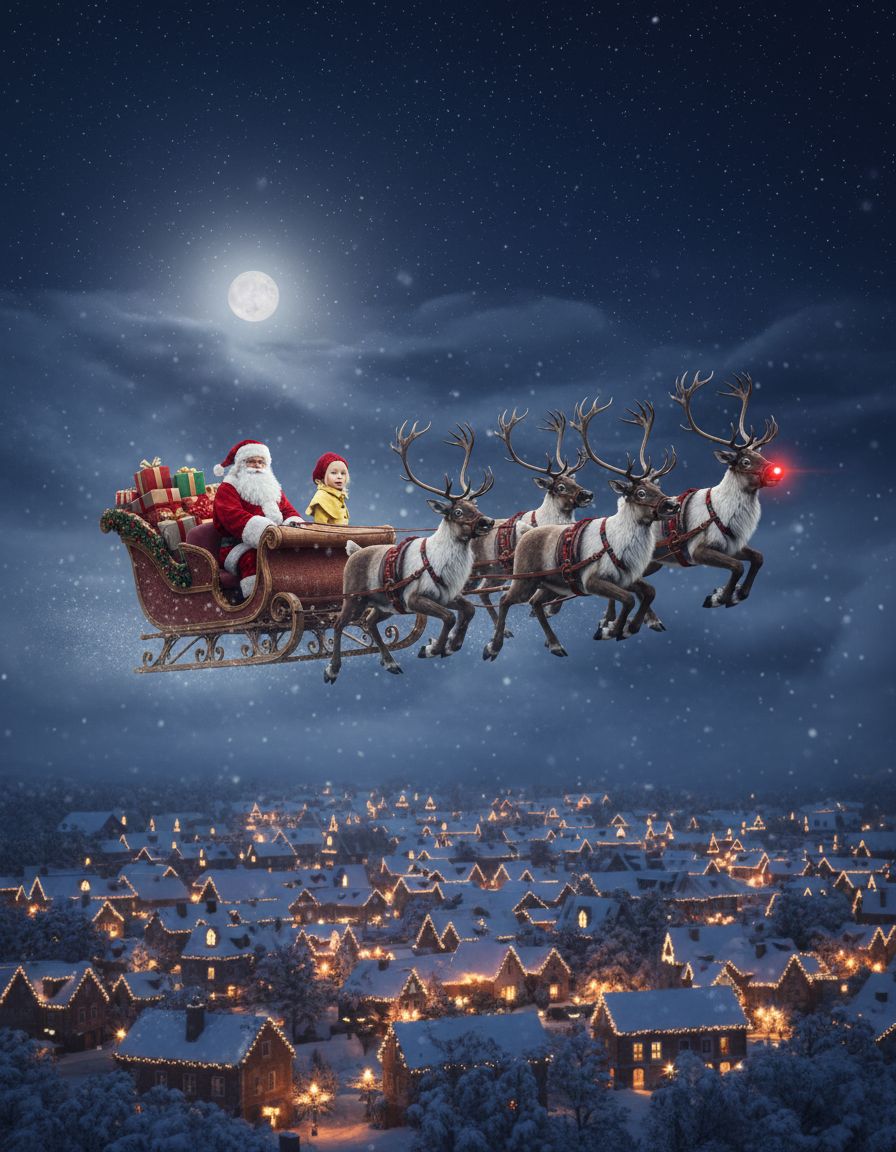
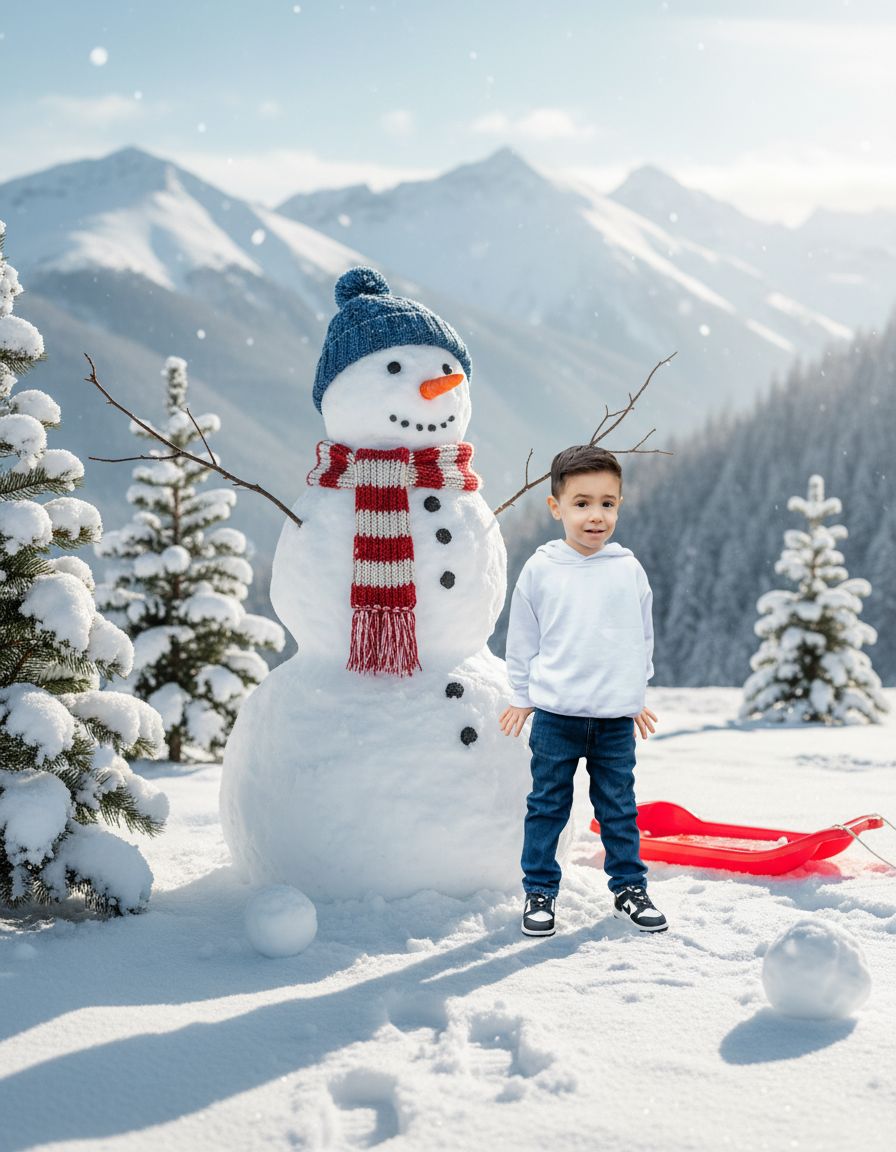
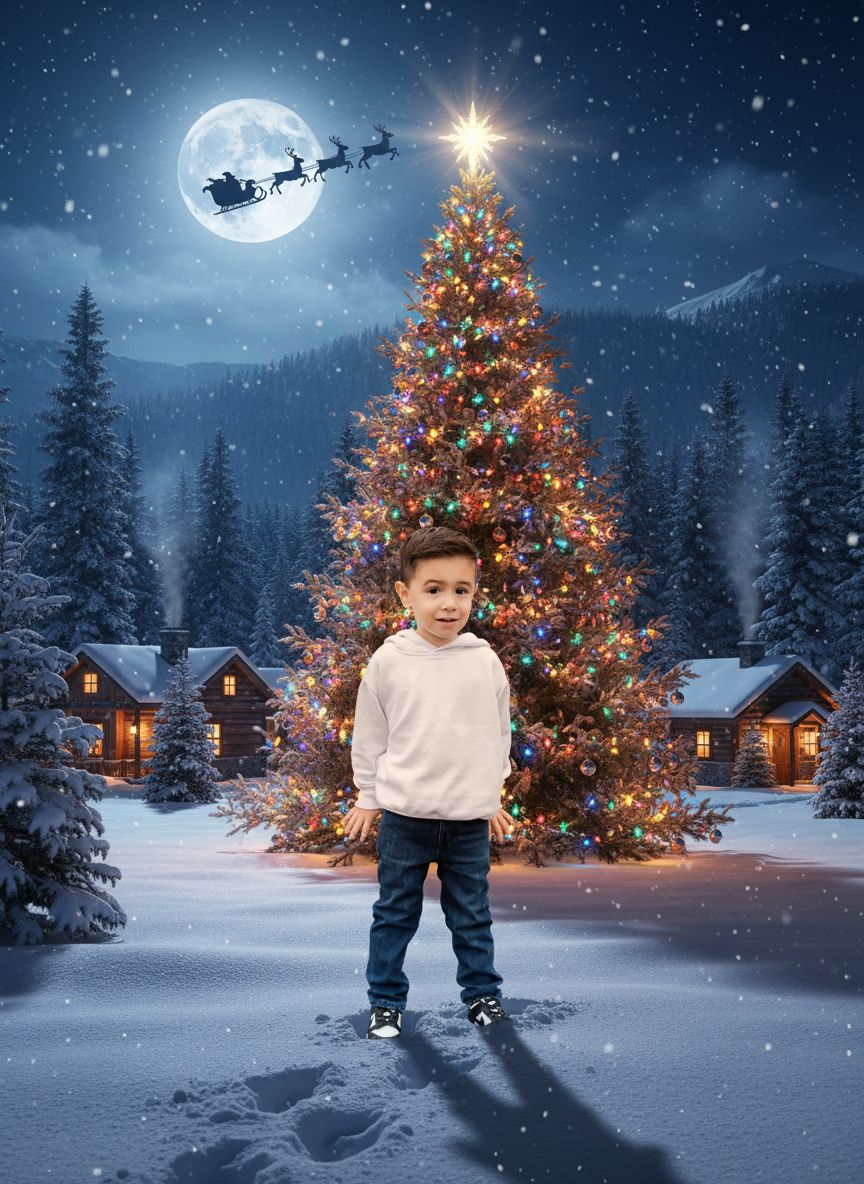
Explore our collection of cozy and festive Christmas spots

Our advanced AI creates your Christmas photo ready to share with loved ones
Pricing Precio
VAT calculated at checkout based on your country. IVA calculado en el proceso de pago.
Only 3.99€ using MAGIC at checkout. Save 5€ today! Offer ends 15 Dec. Solo 3,99€ usando MAGIC en el pago. ¡Ahorra 5€ hoy! La oferta termina el 15 de diciembre.
Get your Christmas photo in minutes
Your photos are processed securely, they aren't shared with anyone, just you
Your friends and family will think you have actually been in the Christmas locations
Create unique Christmas cards and holiday memories
Find practical guides for stress-free Christmas photos, creative DIY ideas, and smart ways to use MagicPhoto. Descubre guías prácticas para fotos navideñas sin estrés, ideas DIY creativas y formas inteligentes de sacar partido a MagicPhoto.
Explore Articles Explorar artículosMagicPhoto lets you upload a photo of a person and transforms it into a magical Christmas scene where you are the star.
After you choose the scene you want, MagicPhoto uses AI to render it. Once payment is complete, you receive the final image based on your selection.
We know AI can sometimes be too creative, so we generate 10 variations to make sure you always have several favorites.
MagicPhoto offers a range of festive scene options. Pick the one you love and we will generate a set of images based on that choice. Minor variations are normal with AI, so we provide alternatives to ensure you love the result.
We accept JPG, PNG, WebP, and AVIF files. HEIC is not supported, so please convert HEIC images to JPG before uploading.
The process may take several minutes, but we’ll email you when it finishes and you can check your live status page in the meantime.
We use your photos solely to generate AI Christmas scenes and never use them to train our models.
MagicPhoto was created by Pilar, a mother of two toddlers who transitioned into building AI experiences after more than a decade in tech.
Yes. We use Stripe for payments and never store your card details. Stripe provides bank-level security.
We accept:
We do not accept PayPal or cryptocurrency.
We apply strong fraud prevention. Try the following steps:
No. Our terms and conditions clarify that refunds are not offered because GPU processing costs are high and upstream providers cannot refund those charges.
You can download them from your personal results page. We will email you the details once it's ready.
We create 10 variations because we know AI makes mistakes. This way we guarantee that some of the creations are up to your expectations. In any case, you can reach out to us at info@magicphoto.co if you have issues.
Yes. After payment, you receive a Stripe-generated receipt and invoice in your email.
Be the first to know when MagicPhoto launches. Join our waitlist for exclusive early access.